Bedrock Edition and PE
Verity Mod Bedrock and PE Setup Guide
Match the add-on to the exact Bedrock build, activate both packs in a test world, enable required experiments and cheats, then use the maintainer's current connection method.
What the Bedrock version is
Verity BE is a Minecraft Bedrock add-on maintained by Undertaletalelover. Its checked CurseForge Project ID is 1574632. Players often search for “Verity PE,” but Pocket Edition is now part of the wider Bedrock product family; the important compatibility signal is the exact Bedrock build and device, not the older PE label.
The current checked project release targets Bedrock 26.30, with 26.20 also present in the project history. Bedrock updates frequently change creator APIs and experimental features. An add-on can import successfully and still fail in the world if it targets a different build, so “Minecraft accepted the file” is not a complete compatibility test.
Start with the correct project
Open the Verity BE maintainer page and confirm the project title, maintainer, Project ID, supported game version, and release date. Do not download a Java file, a same-name add-on from another account, or a recovered copy shared in a video comment.
Download through the project’s own Files area. This guide does not provide a direct add-on file link because the project page is where the current version, changelog, requirements, and support route live. If the current game build is newer than the one listed by the project, wait for a maintainer update or test only in an expendable environment. Do not edit a manifest version number and assume the underlying scripts became compatible.
Import and activate both packs
Use the normal Bedrock add-on import workflow for your device. When import completes, create a new test world rather than opening an important save. In that world’s settings, activate every behavior pack and resource pack supplied by the add-on. If Bedrock reports a missing dependency, return to the project instructions and confirm that both parts imported.
Check the Active section after activation. A pack appearing under My Packs but not Active does not affect the world. If you imported multiple Verity versions during testing, remove duplicates or old copies before importing again; Bedrock may retain packs with similar names or UUIDs and make it difficult to know which revision is active.
On mobile, verify that the downloaded file was opened with Minecraft rather than only saved by the browser or file manager. On Windows, verify that the same Bedrock installation you launch completed the import. Console environments have different add-on limitations; do not assume a mobile tutorial provides a supported console installation route.
Enable Beta APIs and cheats
The current Verity BE project instructions require Beta APIs and cheats. Enable them for the test world before first launch. Bedrock can place experimental toggles in different groups after an update, so use the current label shown by your build and compare it with the maintainer tutorial.
Experimental settings are a compatibility boundary. They can affect world upgrade behavior, and Mojang may change or remove experimental APIs. That is another reason to use a separate test world and keep backups. If the dialogue interface is missing, return to world settings and verify that Beta APIs remained enabled after the pack was activated.
Cheats are required for the current connection/setup workflow described by the project. Enabling cheats can affect achievements in that world. Make the choice deliberately and do not use a valued achievement world as the first test.
Complete the current connection step
Verity BE depends on a connection step described by the maintainer’s tutorial and support material. Follow the current version of that instruction rather than copying an old command from a short clip or comment. A connection method can change when a backend address, add-on script, or Bedrock networking behavior changes.
After connecting, use the chat behavior documented by the maintainer: begin a message with Verity and then your question. Start with a short, plain message. If nothing happens, do not repeat the command rapidly. Confirm that the pack is active, Beta APIs and cheats are on, and the connection completed without an error.
This website never asks you to enter the connection value, account credential, or any private server information. Run setup inside the environment named by the maintainer.
Symptom: Verity shows three dots
The maintainer’s troubleshooting text associates ... with a connection or backend problem. The visual entity and scripts can load before an online service becomes available, so three dots do not necessarily mean the pack failed to import.
Check in this order:
- Confirm that your Bedrock build matches the add-on release.
- Confirm both behavior and resource packs are Active.
- Confirm Beta APIs and cheats are enabled.
- Repeat the current maintainer connection process once and read the exact response.
- Test a new world with only Verity BE active.
- Check the maintainer page or support channel for a service incident or updated connection instruction.
If many users report the same connection failure at the same time, local reinstallation may not help. Preserve the exact error text and time without posting personal account information.
Symptom: the dialogue interface is missing
A missing dialogue box points more strongly to world configuration or version compatibility than to the remote AI response. Re-open world settings and verify experiments. Confirm that the behavior pack is active, not merely imported. Test a fresh world because changing experiments after a world has already initialized can behave differently from enabling them before first launch.
Remove other behavior packs for the clean test. Two packs can listen to the same events, replace resources, or rely on different experimental API states. If the clean world works, add other packs back one at a time.
Symptom: no entity appears
Read the current maintainer instructions for how Verity is introduced, spawned, or triggered. Do not assume Java key binds or crafting recipes apply. Confirm that the pack appears in the world’s Active list and that no content errors were shown during load.
If an old version was installed previously, remove it from the world’s active packs and from storage, restart Minecraft, then import the checked release again. Take screenshots of the pack version and world settings before changing them; a small evidence trail makes support much faster.
Multiplayer and device cautions
Every participating client must be able to receive the world’s required resource pack, and the host’s Bedrock build controls creator API compatibility. Test with one host and one client before inviting a larger group. Mobile devices may also close background processes or struggle with heavy worlds, so distinguish a device performance problem from an add-on connection failure.
Back up the world before updating Bedrock or the add-on. After an update, repeat the smallest possible test: load a clean world, confirm the entity, send one text message, and restart. Only then return to a long-running world.
Project gallery evidence
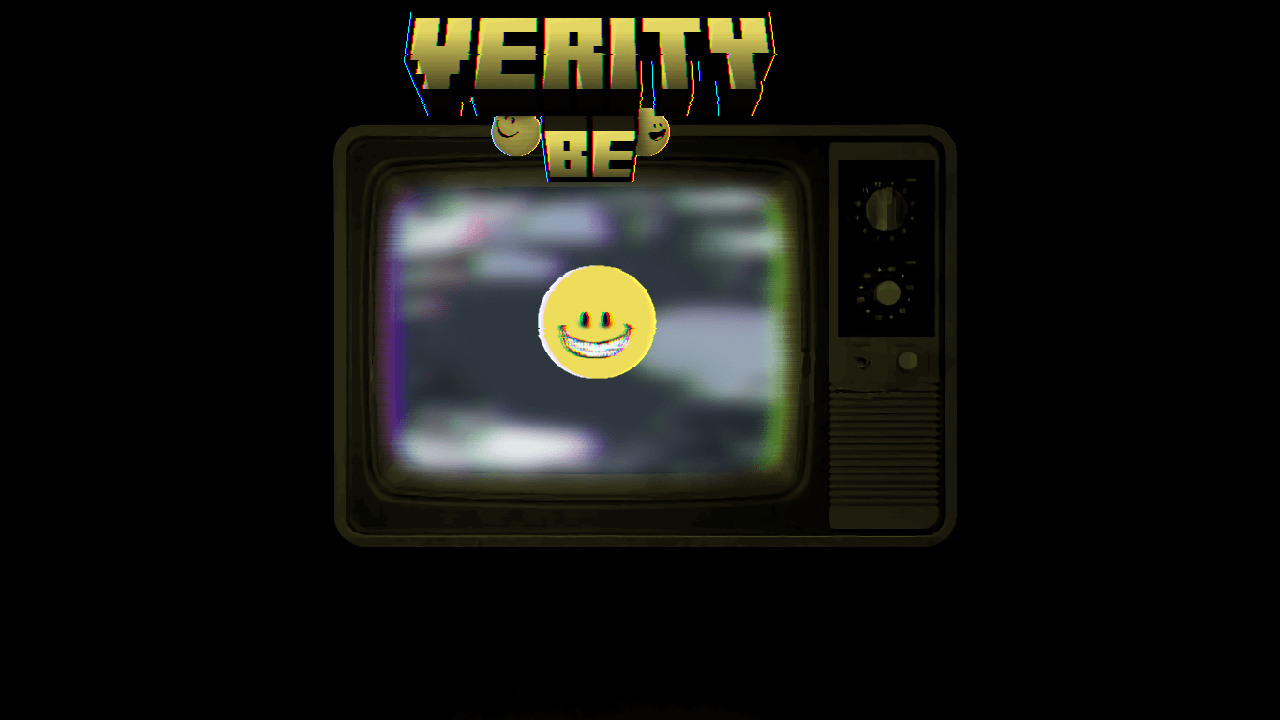
These images load from the public CurseForge project gallery. Copyright remains with the credited creators; each image links back to its source.

Watch the matching walkthrough
Video players load only after you press play. A normal YouTube link remains available beside every video.
Frequently asked questions
Does Verity BE work on Minecraft PE?
PE is a common search name for mobile Bedrock. The add-on can apply to supported Bedrock mobile builds, but the exact game version, device capabilities, import behavior, and maintainer release notes still control compatibility.
Which experimental setting does Verity BE need?
The maintainer requires Beta APIs and cheats for the current checked setup. Setting names can move between Bedrock builds, so compare the current project instructions with your world settings.
Why does Verity only show three dots?
The project troubleshooting notes associate that symptom with a failed or unavailable connection. Re-check the current connection step, game build, backend availability, and world settings.
How do I talk to Verity in Bedrock?
After the add-on is connected, the maintainer instructs players to type a message beginning with “Verity” in chat. Use the current project tutorial if the command or connection flow changes.
Sources used on this page
Verity BE on CurseForge
Bedrock identity, Project ID 1574632, current game builds, setup requirements, troubleshooting notes, and gallery.
Checked
Minecraft add-on documentation
How Bedrock add-on packs are imported and activated.
Checked