Download and identity
Verity Mod Download: Java and Bedrock Sources
Start from the project page for your edition. This guide does not host or link directly to mod files; it shows how to verify the maintainer, Project ID, game version, and release state first.
The two download starting points
For Java Edition, start with the Verity JE project page. For Bedrock Edition or Minecraft on mobile, start with the Verity BE project page. Those are separate projects with different maintainers, Project IDs, formats, version numbers, requirements, and support notes. A Java file cannot be imported into Bedrock, and a Bedrock add-on cannot be placed into a Java mod profile.
This site deliberately links to the project page instead of a file endpoint. The project page gives you information that a bare download button hides: the maintainer name, Project ID, supported game versions, loader, update time, changelog, comments, and file history. Read that context before choosing a release.
Current identity table
| Edition | Checked project | Project ID | Checked route | Status on 2026-07-14 |
|---|---|---|---|---|
| Java | Verity JE by VarmiteYT | 1591438 | Minecraft 1.20.1 with Forge | Current |
| Java | Verity JE by VarmiteYT | 1591438 | Minecraft 1.21.1 with NeoForge | Legacy; maintainer warns it is deprecated and buggy |
| Bedrock / PE | Verity BE by Undertaletalelover | 1574632 | Bedrock 26.30 add-on import | Current |
| Bedrock / PE | Verity BE by Undertaletalelover | 1574632 | Bedrock 26.20 file history | Legacy; match the release to the game build |
| Any | Same-name or removed upload | Varies | Unknown | Unverified until author, ID, date, and version match |
“Current” does not mean guaranteed to work forever. It means the route matched the maintainer listing on the displayed check date. Minecraft builds, mod loaders, dependencies, and remote AI services can change after that date.
How to choose a file without guessing
- Confirm the edition first. Java users need a Java mod loader profile. Bedrock and PE users need the Bedrock add-on project. The project title alone is not enough.
- Match the full version. Treat
1.20.1and1.21.1as different targets. Treat Bedrock26.20and26.30as different targets. A close-looking version is not a compatibility promise. - Match the loader or import method. The current checked Java path uses Forge on 1.20.1. The older 1.21.1 branch uses NeoForge. Bedrock uses its own add-on import and world-pack workflow.
- Read dependencies and changelog. Use the dependencies shown by the project at the time you download. Do not copy a dependency list from an old video without comparing it with the current file page.
- Check the release date and maintainer note. A newer upload from a different account is not automatically the successor. Look for continuity on the same Project ID or an explicit maintainer link.
Java download decision
Choose Java if you play Minecraft: Java Edition on a desktop system and can manage a Forge or NeoForge profile. The clearest checked path is Minecraft 1.20.1 with Forge. The maintainer still lists a 1.21.1 NeoForge branch, but calls that path deprecated and buggy. If your goal is simply to get Verity running, do not choose 1.21.1 only because its number is larger.
After opening the maintainer page, use its Files view and filter for your exact Minecraft version and loader. Keep the project page open while installing so you can compare the current requirements. Then continue to the Java installation guide for the clean-profile and AI setup order.
Bedrock and PE download decision
Choose Bedrock if you play Minecraft for Windows, console-supported Bedrock environments, Android, or iOS and the project explicitly supports your current game build. “PE” is commonly used in searches, but the maintained project is listed as a Minecraft Bedrock add-on. The current checked project page lists Bedrock 26.30 and also shows 26.20 in its version history.
Do not assume an add-on built for a newer Bedrock release will import cleanly or behave correctly on an older one. Bedrock setup also continues after import: the behavior pack and resource pack must be active in the world, required experimental settings must be enabled, cheats must be permitted, and the maintainer’s current connection step must succeed. Continue to the Bedrock / PE guide before testing an important world.
What to do when the project looks removed
First, determine whether the missing item is one of the two projects identified above or a different same-name upload. Search by maintainer and Project ID, not by the word “Verity” alone. A title can change; a copied title can be reused; search ranking can surface an older or unrelated project.
Next, inspect the project’s Files and changelog areas. A branch may be archived, superseded, renamed, or hidden from the default version filter while the main project remains available. If the maintainer provides a replacement, follow the link from the maintainer-controlled page rather than a comment claiming to have a backup.
Do not recover a removed release from a shared drive, URL shortener, chat attachment, repost site, or an unknown person’s old mods folder. Removal is not proof that a file was malicious, but loss of provenance removes the identity and update context you need to assess it.
Why this guide does not state a universal removal reason
Community discussions contain incompatible explanations for old Verity uploads. Some comments speculate about security behavior; others describe creator disputes or simple project replacement. Repetition does not turn those claims into a maintainer statement or a technical analysis. Unless an author or platform publishes a specific explanation for a specific Project ID, the honest status is unconfirmed.
That distinction protects users in both directions. It avoids falsely calling a person or file malicious, and it avoids telling users that an untraceable recovered copy is safe. The useful action remains the same: verify the maintained project identity, avoid mirrors, and choose a release that matches the current game environment.
Before you press download
- Back up any world you care about.
- Use a separate launcher profile or test world.
- Confirm the project author and Project ID.
- Confirm the exact game version and loader.
- Read the current dependencies and setup notes.
- Avoid shortened links and direct file reposts.
- Scan the file locally with current security tools.
- Keep Groq credentials out of websites, chats, screenshots, and logs.
Once those checks pass, move to the edition-specific install guide. Downloading the right project is only the first part; most “Verity does not work” reports begin with a version, loader, experiment, or connection mismatch that can be prevented before the first launch.
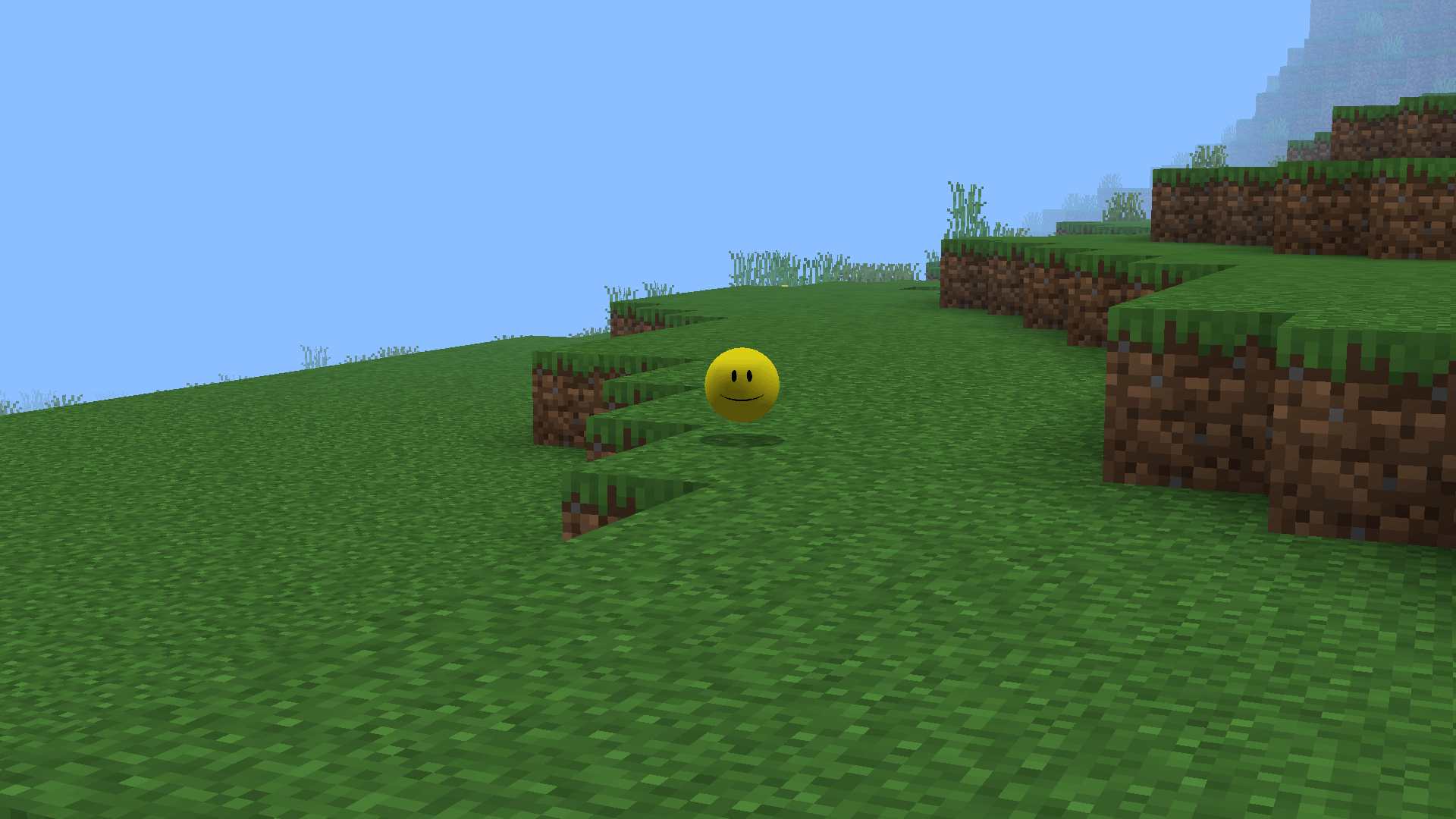
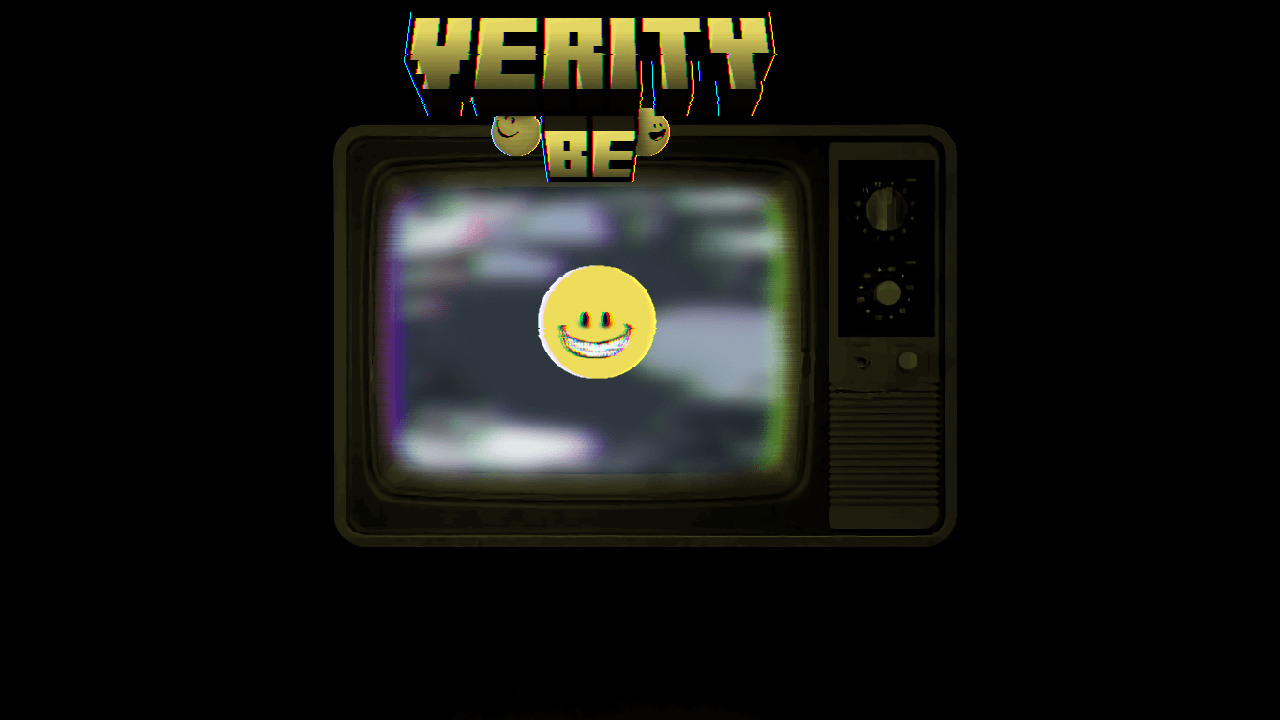
Project gallery evidence
These images load from the public CurseForge project gallery. Copyright remains with the credited creators; each image links back to its source.

Frequently asked questions
What is the safest Verity Mod download link?
Use the Verity JE or Verity BE project page on CurseForge, then choose a file from that project's own Files tab. Do not use a direct mirror supplied by this guide or by a repost.
Which Verity project is for Java Edition?
Verity JE by VarmiteYT is the checked Java project. Its CurseForge Project ID is 1591438 and it lists Forge 1.20.1 plus a legacy NeoForge 1.21.1 branch.
Which Verity project is for Bedrock or PE?
Verity BE by Undertaletalelover is the checked Bedrock add-on. Its CurseForge Project ID is 1574632 and the current checked release targets Bedrock 26.30.
Why was a different Verity mod removed?
A reliable removal reason has not been established for every same-name project. Community posts contain conflicting claims, so this guide does not present them as fact.
Sources used on this page
Verity JE on CurseForge
Java identity, Project ID 1591438, Forge/NeoForge versions, AI options, files, gallery, and maintainer notices.
Checked
Verity BE on CurseForge
Bedrock identity, Project ID 1574632, current game builds, setup requirements, troubleshooting notes, and gallery.
Checked
Community discussion about removed Verity uploads
Examples of conflicting community claims; not evidence for a removal reason.
Checked