Independent edition and source check
Verity Mod for Minecraft: Official Download, Java vs Bedrock, Setup and Safety
Choose the right edition, open the maintainer's project page, configure its AI connection, and diagnose common failures without handing a credential to this site.
Find your next safe step
Java Edition: download
Java Edition 1.20.1 matches the current checked path for this guide.
- Open the maintainer project page, not a direct file mirror.
- Match the Project ID, game version, and loader before choosing a file.
- Read the latest changelog and dependency list before installing.
Watch: Never paste a Groq credential into this site or any unrelated download page.
Direct answer
What Verity Mod is
Verity is a Minecraft horror-companion concept associated with videos by ThatMob. The playable Java and Bedrock projects covered here are separate adaptations: Java uses a mod loader and Groq or local Ollama, while Bedrock uses an add-on, experimental settings, cheats, and a maintainer connection step.
- Java EditionChoose Forge 1.20.1 for the current checked path; NeoForge 1.21.1 is listed as a deprecated, buggy branch.
- Bedrock / PEMatch the add-on release to the Bedrock build, enable both packs and required experiments, then complete the connection step.
- Same-name filesAuthor, Project ID, supported version, and release date matter more than a familiar title or thumbnail.
Checked compatibility
Java, Bedrock, PE, and unknown versions
The table is a routing aid, not a substitute for the latest project file list. Open the maintainer page and confirm again before installing.
| Edition | Status | Game version | Loader / import | Identity | Action |
|---|---|---|---|---|---|
| Java | Current | 1.20.1 | Forge | Verity JE · ID 1591438 | Open maintainer page |
| Java | Legacy | 1.21.1 | NeoForge | Verity JE · ID 1591438 | Open maintainer page |
| Bedrock / PE | Current | 26.30 | Add-on import | Verity BE · ID 1574632 | Open maintainer page |
| Bedrock / PE | Legacy | 26.20 | Add-on import | Verity BE · ID 1574632 | Open maintainer page |
| Any | Removed / Unverified | Unknown | Unknown | Same-name uploads · ID Not verified | Check safety guide |
What the two maintained projects show
These images load from the public CurseForge project gallery. Copyright remains with the credited creators; each image links back to its source.
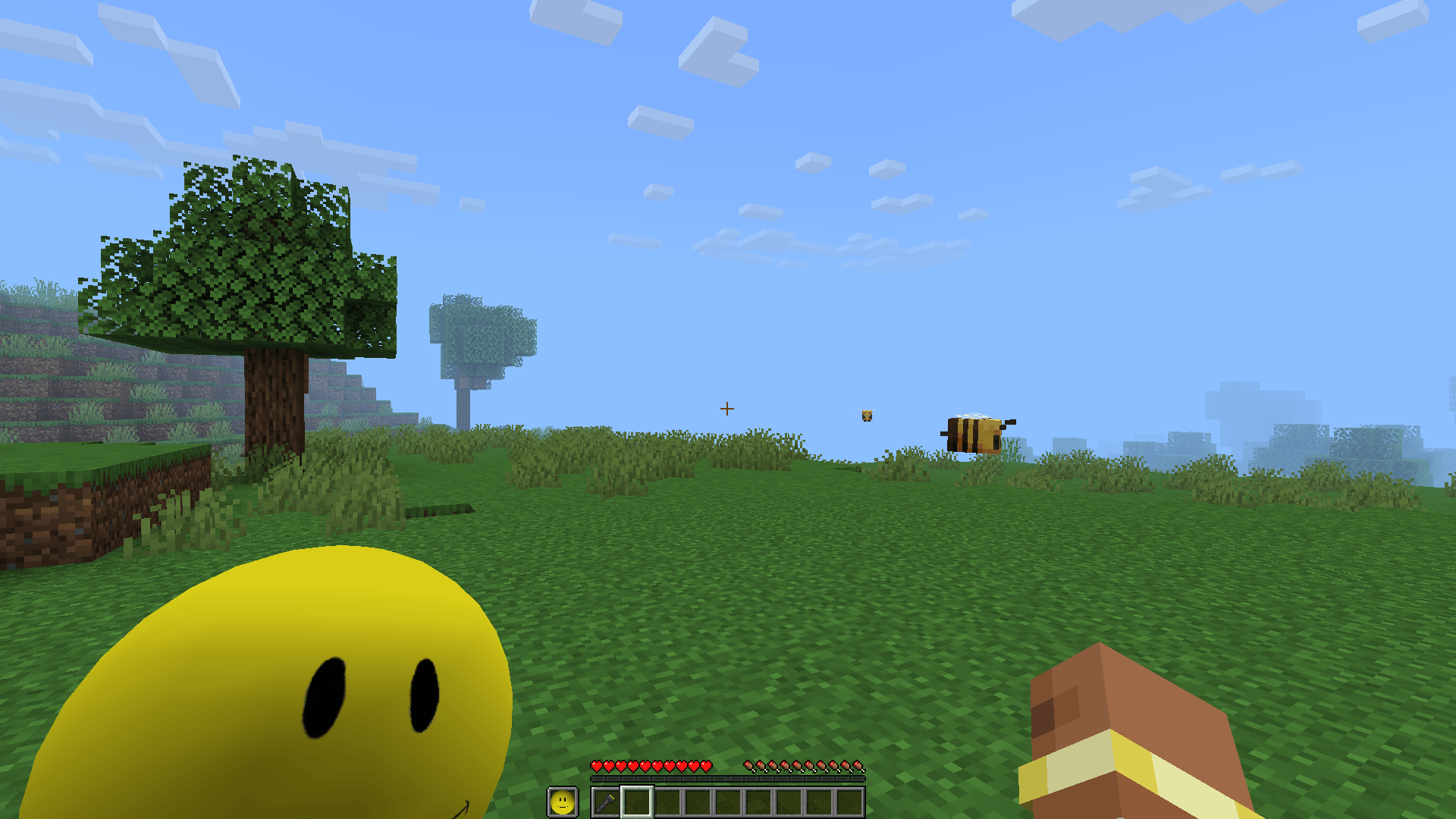
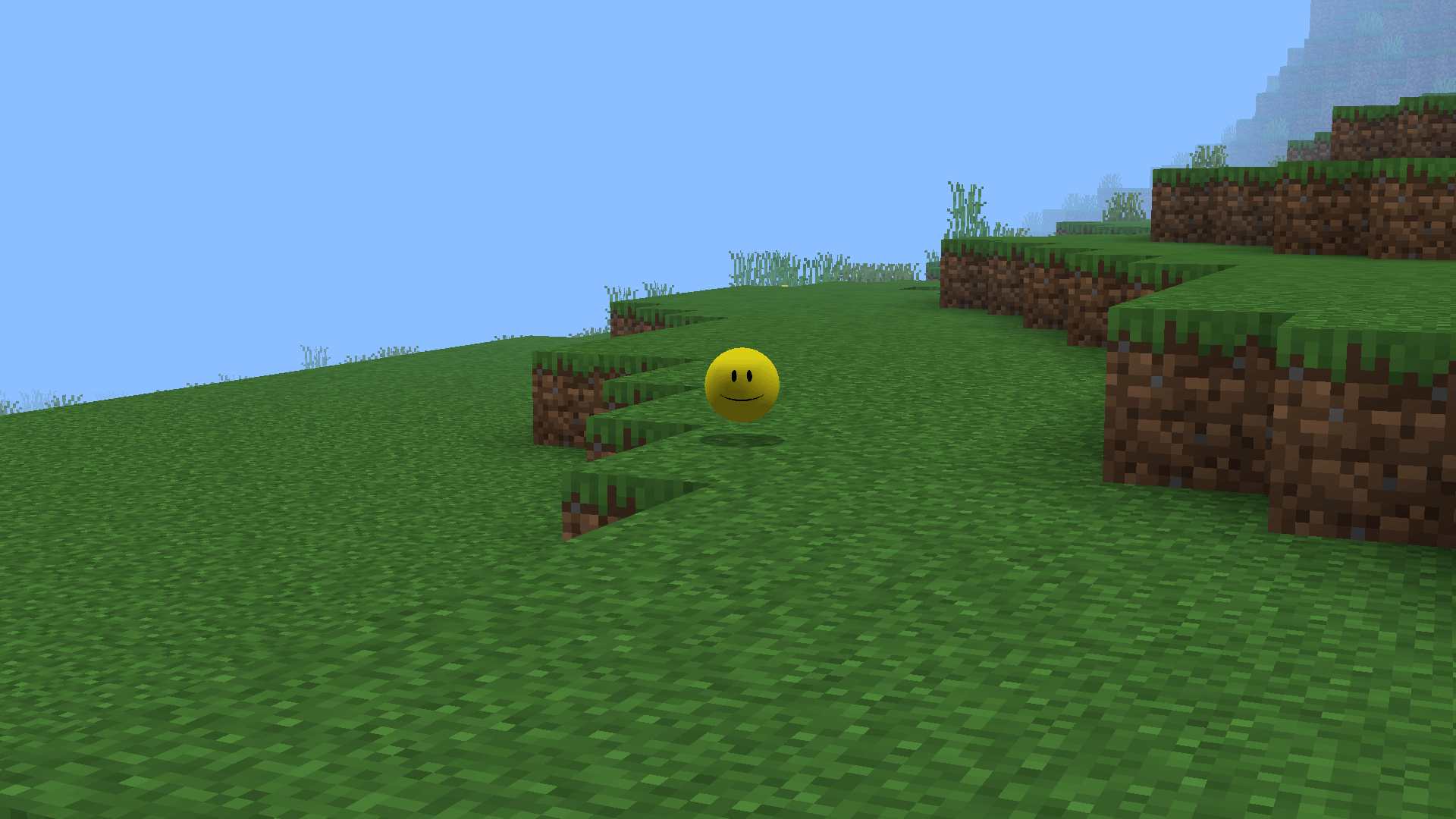

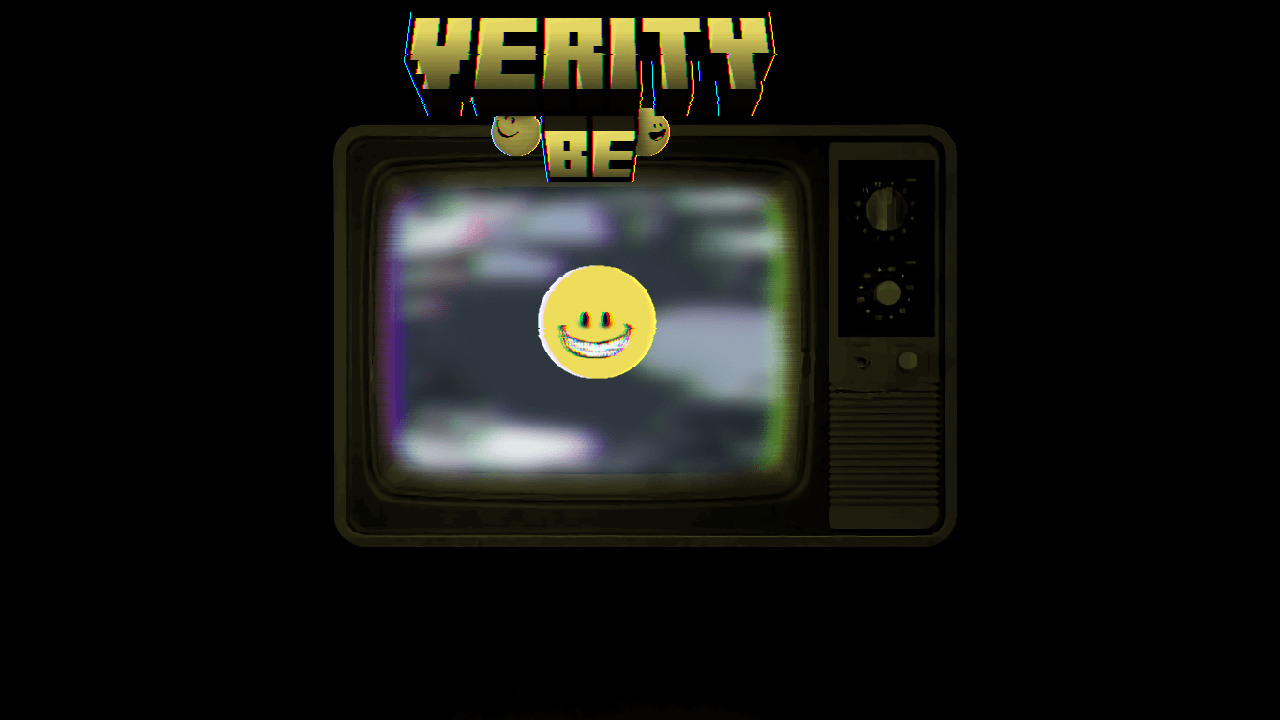
Watch the matching walkthrough
Video players load only after you press play. A normal YouTube link remains available beside every video.
Safety baseline
A familiar name is not proof
The safest starting point is the maintainer's CurseForge project page, but no hosting platform makes every file risk-free. Confirm the identity fields, avoid recovered copies of removed uploads, scan locally, and never paste your Groq credential into an unrelated site, chat, screenshot, or support post.
Quick answers
Common Verity questions
Where should I download Verity Mod?
Use the Verity JE or Verity BE maintainer project page on CurseForge. This guide links to project pages, not direct files or mirrors.
Is Verity Mod available for Java and Bedrock?
Yes, but they are separate adaptations with different maintainers, formats, versions, and setup steps. Choose the edition before downloading.
Does this website ask for my Groq key?
No. The selector runs locally in your browser and this site has no account, form, upload, database, or credential field.
Why does Verity show three dots or not answer?
That usually points to an incomplete AI or backend connection, a game-version mismatch, or missing Bedrock experimental settings. Use the symptom checklist in the troubleshooting guide.
Sources used on this page
Verity JE on CurseForge
Java identity, Project ID 1591438, Forge/NeoForge versions, AI options, files, gallery, and maintainer notices.
Checked
Verity BE on CurseForge
Bedrock identity, Project ID 1574632, current game builds, setup requirements, troubleshooting notes, and gallery.
Checked
Checked