Java Edition
Verity Mod Java Edition Setup Guide
Use a clean profile, match the loader to the Minecraft version, install only the dependencies listed for that release, and configure one AI path before testing the companion.
Recommended Java path
The most reliable checked starting point is Minecraft 1.20.1 with Forge. The Verity JE project also lists Minecraft 1.21.1 with NeoForge, but the maintainer warns that the 1.21.1 branch is deprecated and buggy. A higher Minecraft version is not automatically a better choice when the project itself identifies the older branch as the stable route.
Verity JE is a client-and-server mod according to its project details. That means a multiplayer setup may require compatible installation on the server and participating clients, not only on the person who wants to see Verity. Begin in single-player or a private test environment so other mods, server permissions, and network policy do not hide the first problem.
Prepare a clean profile
Create a separate launcher profile for the exact Minecraft version. Install the matching loader into that profile: Forge for 1.20.1 or NeoForge for the legacy 1.21.1 branch. Launch that empty loader profile once before adding Verity. A successful empty launch proves that Java, Minecraft, and the loader can start together.
Keep the first test profile small. Do not add a large modpack, shaders, performance patches, and Verity all at once. Every extra mod expands the number of possible conflicts and makes logs harder to read. After Verity works by itself, add other mods in small groups and test between each group.
Back up existing worlds before opening them with a new loader or mod set. A separate test world is preferable because a failed experiment should not become a world-recovery problem.
Install from the maintained project
Open the Verity JE CurseForge project and confirm all four identity fields:
- Project title: Verity JE.
- Maintainer: VarmiteYT.
- Project ID: 1591438.
- File target: your exact Minecraft version and loader.
Use the dependencies listed for the specific release at the time you download. Dependency requirements can change, so this guide does not freeze an old list copied from a video. Place the selected project file and required dependencies in the clean profile’s mods directory, not in a different launcher instance that happens to have a similar name.
Launch once and stop at the title screen. If Minecraft fails before a world opens, the problem is below the AI layer: wrong Java runtime, loader mismatch, missing dependency, duplicate mod, or incompatible mod. Read the first meaningful error in the latest log instead of focusing only on the final “exit code” line.
Choose one AI path
Verity JE supports a cloud path using Groq and a local path using Ollama. They solve the same core need in different ways.
Groq is usually simpler when your computer should not run a local language model. It requires a GroqCloud account, an active credential, and network access from the game. The credential is sensitive. Create it in the Groq console, enter it only through the current Verity setup location shown by the maintainer, and revoke it if it appears in a screenshot, shared log, stream, or message.
Ollama keeps model inference on your own machine, but it adds local resource and service requirements. Ollama must be installed, its service must be reachable, the requested model must already be present, and the model name in Verity must match exactly. Local does not mean zero configuration; it changes the connection from a cloud endpoint to a service running on your computer.
Choose one provider for the first successful conversation. Configuring both at once makes it unclear which provider produced an error. Follow the Groq setup or Ollama setup guide, then return here.
First world test
Create a new world with default rules unless the maintainer instructions require a specific setting. Confirm that the Verity entity or interaction appears before testing voice, text-to-speech, or horror progression. Test one input method first. The project page says AI text can support multiple languages, while speech-to-text and text-to-speech were tested in English; if voice fails in another language, test simple English text before assuming the whole mod is broken.
Use a short prompt and allow time for the first model response. A local model may need to load into memory; a cloud request may be delayed by network or service limits. If the game remains responsive but Verity does not answer, the entity layer probably loaded and the next check is the AI connection.
Failure order that saves time
Work from the bottom of the stack upward:
- Minecraft does not launch: verify Java runtime, game version, loader, dependencies, and duplicate files.
- World opens but Verity is absent: verify the mod is listed as loaded, use a fresh world, check spawn or interaction instructions, and remove conflicting mods for a clean test.
- Verity appears but has no dialogue UI: check key binds, input method, world state, and the current maintainer instructions.
- UI appears but no response arrives: verify one selected provider, credential or local service, exact model name, network access, and rate or service errors.
- Text works but voice fails: separate microphone input, speech recognition, and text-to-speech from the language-model response. Test English text first, then one audio direction at a time.
Never publish an unredacted log until you have searched it for credentials, usernames, local paths, server addresses, and personal information. A log can be useful without becoming a secret leak.
Forge 1.20.1 versus NeoForge 1.21.1
Do not mix loaders. A Forge profile does not become NeoForge because a file is placed in its mods folder, and a release built for one loader should not be expected to initialize on the other. If you are troubleshooting 1.21.1, reproduce the issue on the maintainer’s recommended 1.20.1 Forge path before concluding that the whole project is broken. That comparison separates a branch-specific defect from a general setup problem.
The version selector on the home page labels 1.21.1 as legacy for this reason. It is still useful to document because players search for it and may already have a 1.21.1 world, but the warning should remain visible anywhere the branch is recommended.
Before adding Verity to a real world
Confirm that the game launches repeatedly, the same provider answers more than once, restart behavior is stable, and your world backup can be restored. Then add other mods gradually. Keep a record of the working Minecraft version, loader build, Verity release date, dependencies, provider, and model name. That short record is more useful than “latest everything” when a future update changes one part of the chain.
Project gallery evidence
These images load from the public CurseForge project gallery. Copyright remains with the credited creators; each image links back to its source.
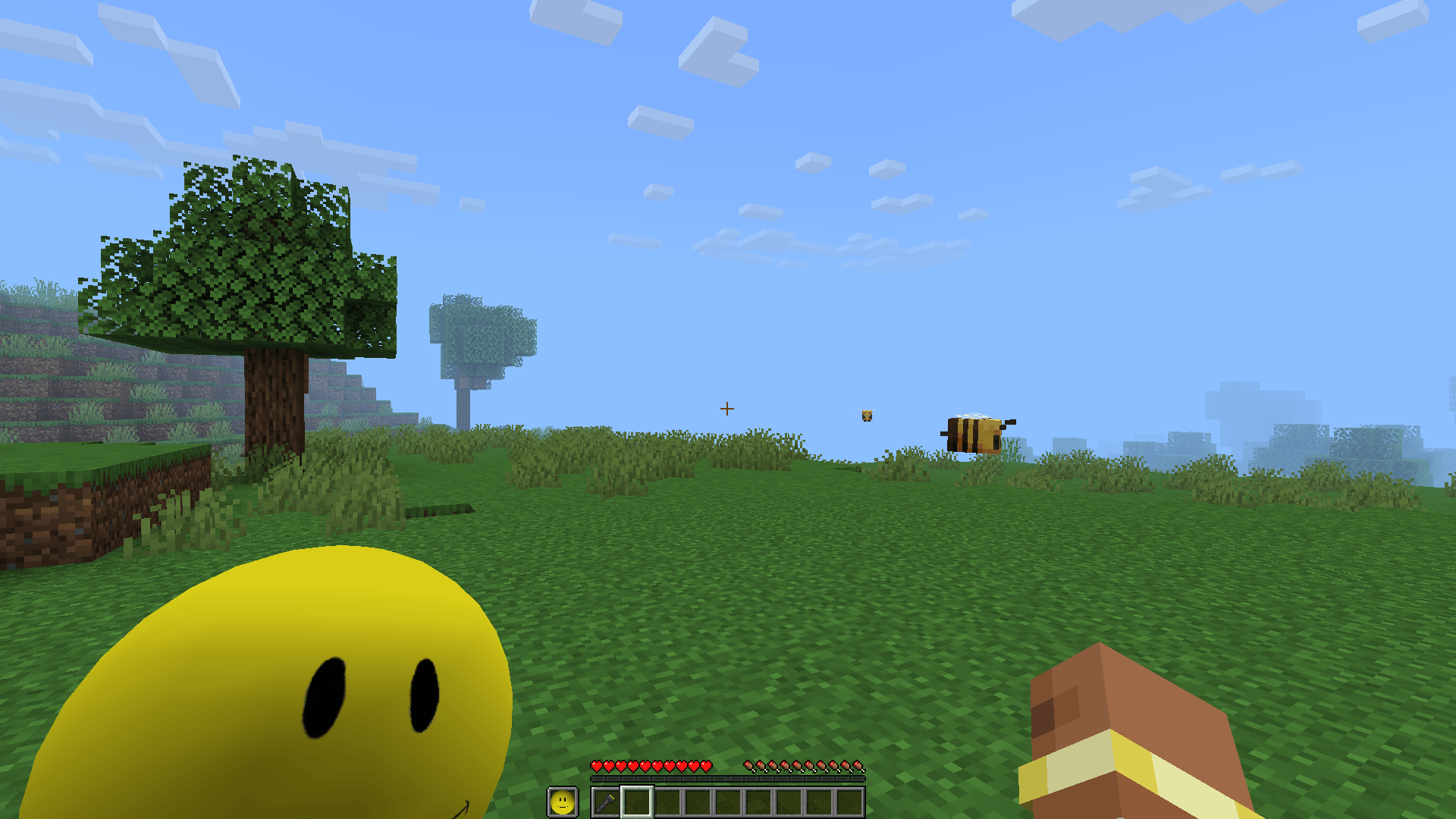
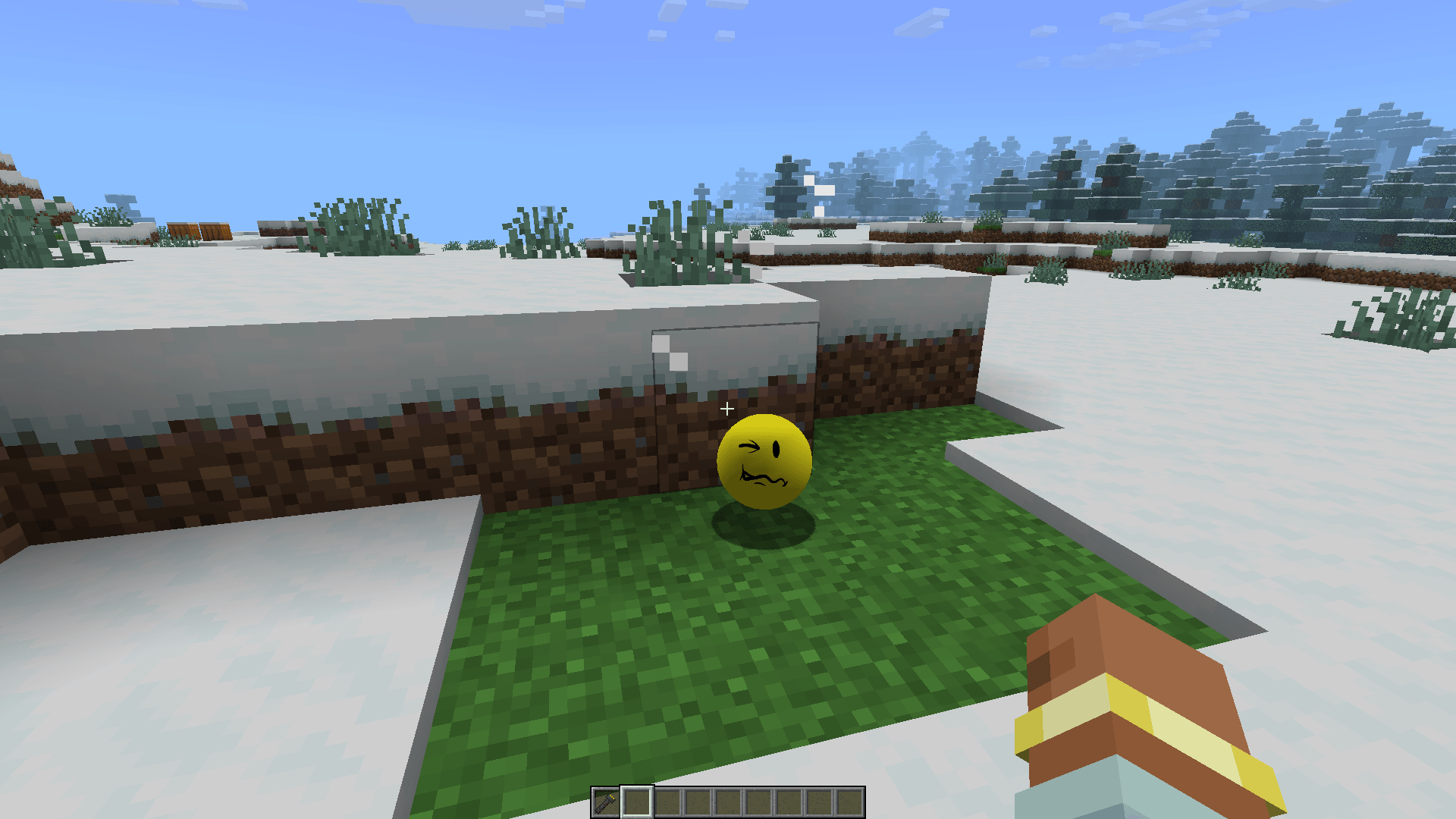
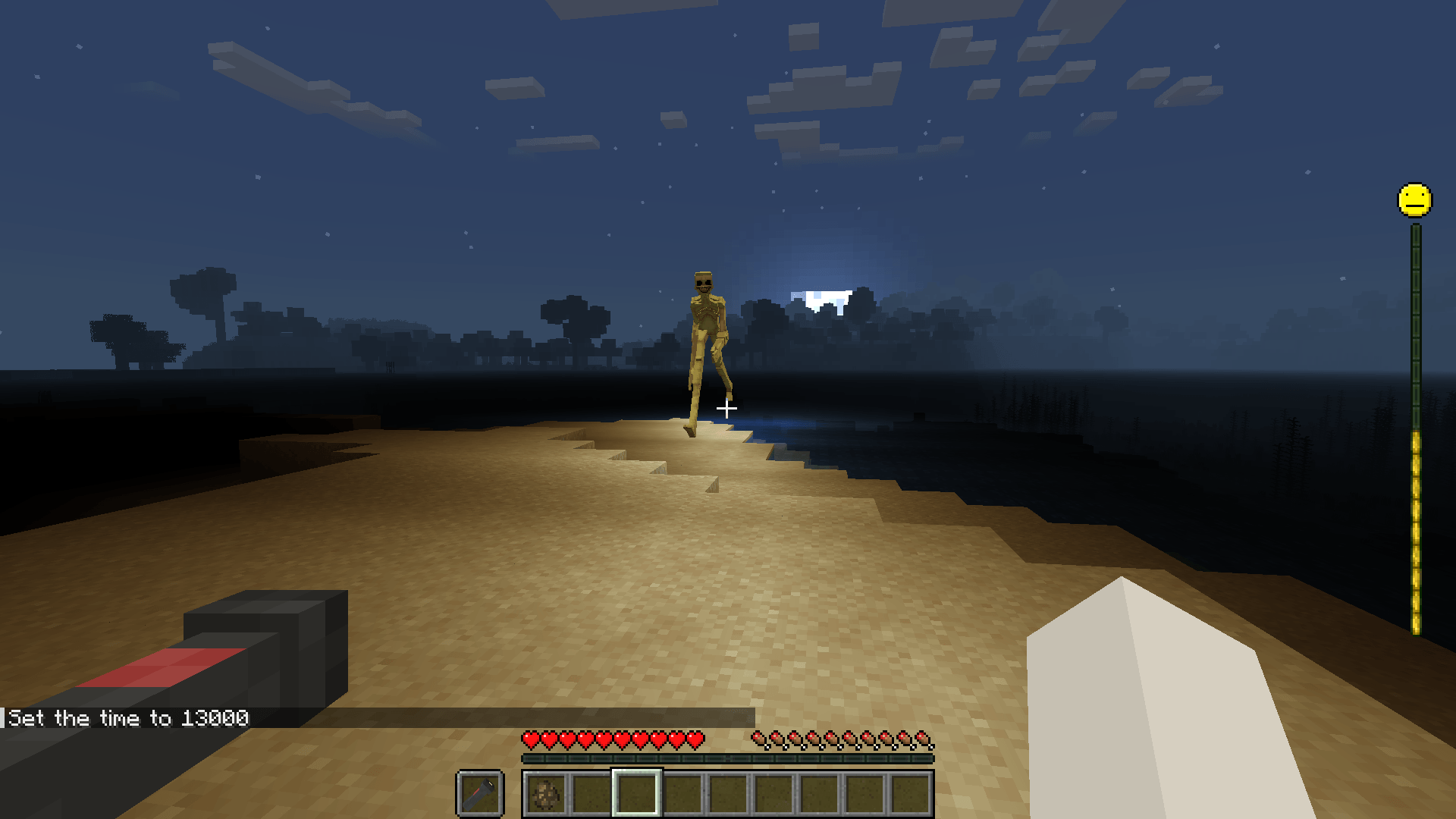

Watch the matching walkthrough
Video players load only after you press play. A normal YouTube link remains available beside every video.
Frequently asked questions
Which Minecraft version should I use for Verity JE?
The current checked path is Minecraft 1.20.1 with Forge. A 1.21.1 NeoForge branch is listed, but the maintainer describes it as deprecated and buggy.
Does Verity JE need Groq?
Verity JE supports a Groq cloud path and a local Ollama path. Choose one and follow the matching current maintainer setup; do not configure both while diagnosing the first launch.
Where do I paste my Groq credential?
Use only the location shown by the current Verity JE setup flow or maintainer tutorial. This guide has no credential field and you should never paste the value into a website, chat, screenshot, or public log.
Why does Verity appear but not answer?
The entity can load while its AI connection is incomplete. Check the selected provider, credential or local service, model configuration, network access, and game logs without exposing secrets.
Sources used on this page
Verity JE on CurseForge
Java identity, Project ID 1591438, Forge/NeoForge versions, AI options, files, gallery, and maintainer notices.
Checked
Groq API key security guidance
Environment and secret-handling guidance; credentials should not be pasted into third-party websites.
Checked
Ollama documentation
Supported platforms, local model installation, service behavior, and model commands.
Checked