Edition comparison
Verity Mod Java vs Bedrock: Which Edition?
Java and Bedrock are separate adaptations, not two download buttons for one package. Pick the version that matches your Minecraft edition, device, and preferred AI setup.
Short answer
Choose Verity JE if you play Minecraft: Java Edition and can run a Forge or NeoForge profile on a desktop computer. Choose Verity BE if you play Minecraft: Bedrock Edition, including a supported Windows or mobile build. Do not choose based on which screenshot looks newer. The game edition determines which project can load at all.
Both projects adapt the Verity horror-companion idea, but they are not interchangeable releases from one codebase. Java and Bedrock use different game engines, packaging, scripting or mod APIs, version schemes, world settings, and support channels. A tutorial for one edition can be actively misleading for the other.
Side-by-side comparison
| Decision | Verity JE | Verity BE |
|---|---|---|
| Minecraft product | Java Edition | Bedrock Edition, including supported mobile / PE searches |
| Checked project | Verity JE by VarmiteYT | Verity BE by Undertaletalelover |
| Project ID | 1591438 | 1574632 |
| Current checked route | 1.20.1 Forge | 26.30 add-on |
| Other documented route | 1.21.1 NeoForge, deprecated and buggy | 26.20 in file history |
| Package model | Java mod loaded by Forge or NeoForge | Bedrock behavior and resource packs imported as an add-on |
| AI route | Groq cloud or local Ollama | Maintainer connection workflow / backend |
| Required world setup | Normal Java test world plus mod-specific interaction | Active packs, Beta APIs, cheats, and connection step |
| Best first diagnostic | Loader log and clean profile | Content errors, active packs, experiments, and connection response |
The table describes the checked state on 2026-07-14. It is a routing tool, not a promise that a current game update will remain compatible. Confirm the project page again before downloading.
Java Edition strengths and tradeoffs
Java gives you a conventional mod-loader environment. You can isolate Verity in its own launcher instance, inspect detailed logs, choose a cloud or local AI route, and test compatibility with other mods in a controlled order. The 1.20.1 Forge branch is the clearest maintained path in the current project listing.
That flexibility creates more components to match. The Minecraft version, Java runtime, loader, Verity release, dependencies, and every other mod must agree. The companion can appear even when the AI provider is misconfigured, so installation success and conversation success are separate milestones.
Choose Java when you already use Forge profiles, want to run Ollama locally, or need the specific Java implementation documented by its project. Avoid the 1.21.1 branch as a default choice because the maintainer labels it deprecated and buggy. It may be useful for an existing 1.21.1 environment, but it should be approached as a legacy path.
Bedrock and PE strengths and tradeoffs
Bedrock uses the platform’s add-on import experience instead of a Java loader. For a supported build, importing a package can feel more direct. The project also targets the Bedrock ecosystem that mobile players mean when they search for “Verity PE.”
The setup still has several gates. Both the behavior and resource packs must be active in the world. Beta APIs and cheats must be enabled for the current checked release. The maintainer’s connection step must complete before chat can reach Verity. Bedrock creator APIs can change between game updates, so a version mismatch may show up as missing UI or silent scripts rather than a clear desktop crash log.
Choose Bedrock if that is the game edition installed on your device and the maintainer lists your exact build. Do not follow unofficial console sideload instructions just because the same project works on mobile or Windows; platform restrictions differ.
File formats are an identity clue, not a safety guarantee
Java mod releases commonly use a .jar package loaded by Forge or NeoForge. Bedrock add-ons commonly use a .mcaddon package that Minecraft imports into behavior and resource packs. Seeing the expected extension helps detect an obvious edition mismatch, but it does not prove a file is authentic or safe.
A renamed executable can imitate a familiar title. A copied package can retain the expected extension while coming from an unknown source. The stronger identity check is the maintainer-controlled project page plus author, Project ID, supported version, release date, and file history. This guide therefore sends users to project pages instead of exposing direct package URLs.
AI behavior differs
Verity JE documents two provider choices. The Groq route sends model requests to a cloud service using the user’s own credential. The Ollama route talks to a model service running on the user’s machine. The choice affects privacy, hardware use, network needs, troubleshooting, and response speed. It does not change the need to protect logs and configuration.
Verity BE uses a connection workflow maintained for the add-on. Its symptoms and support steps are edition-specific. A Java Groq credential or Ollama endpoint should not be pasted into a Bedrock chat command unless the current Bedrock maintainer explicitly documents such a field. Copying values between tutorials can expose a secret without fixing the connection.
Troubleshooting differs too
For Java, start with the loader boundary. If Minecraft does not reach the title screen, inspect runtime, loader, dependencies, duplicates, and the earliest useful log error. If the world opens and Verity appears, move upward to provider configuration, model access, microphone, speech recognition, and text-to-speech.
For Bedrock, start with the world. Confirm the exact game build, both packs in Active, Beta APIs, cheats, and a clean world. A visible ... response is especially useful because the maintainer associates it with a connection issue. A missing dialogue interface points more toward experiments, version compatibility, or inactive behavior scripts.
Which edition is more private?
No edition earns a blanket privacy label. Java with Ollama can keep language-model inference local, but the game, launcher, mod files, and any other services still have their own behavior. Java with Groq sends model requests to Groq under that service’s terms. Bedrock uses the add-on’s documented connection workflow, which may depend on a maintainer service.
The practical privacy questions are: where does the prompt go, what credential is used, what appears in logs, and what third-party service is active? Use the current maintainer documentation, avoid sensitive prompts, and never share credentials. This site does not receive selector choices or AI conversations.
Final choice checklist
- If your title screen says Java Edition, use the Java project and Java setup.
- If you play the Bedrock product on a supported Windows or mobile build, use the Bedrock project.
- If you want local Ollama, choose the documented Java route.
- If you cannot create a separate profile or test world, pause before modifying an important save.
- If your exact version is not listed, do not substitute a mirror or a close-looking release.
- If a tutorial mentions the other edition’s loader, pack settings, or command flow, stop and return to the matching guide.
After choosing, follow one edition from download through first response. Mixing instructions is the fastest way to produce a setup that partly loads but cannot answer.
Project gallery evidence
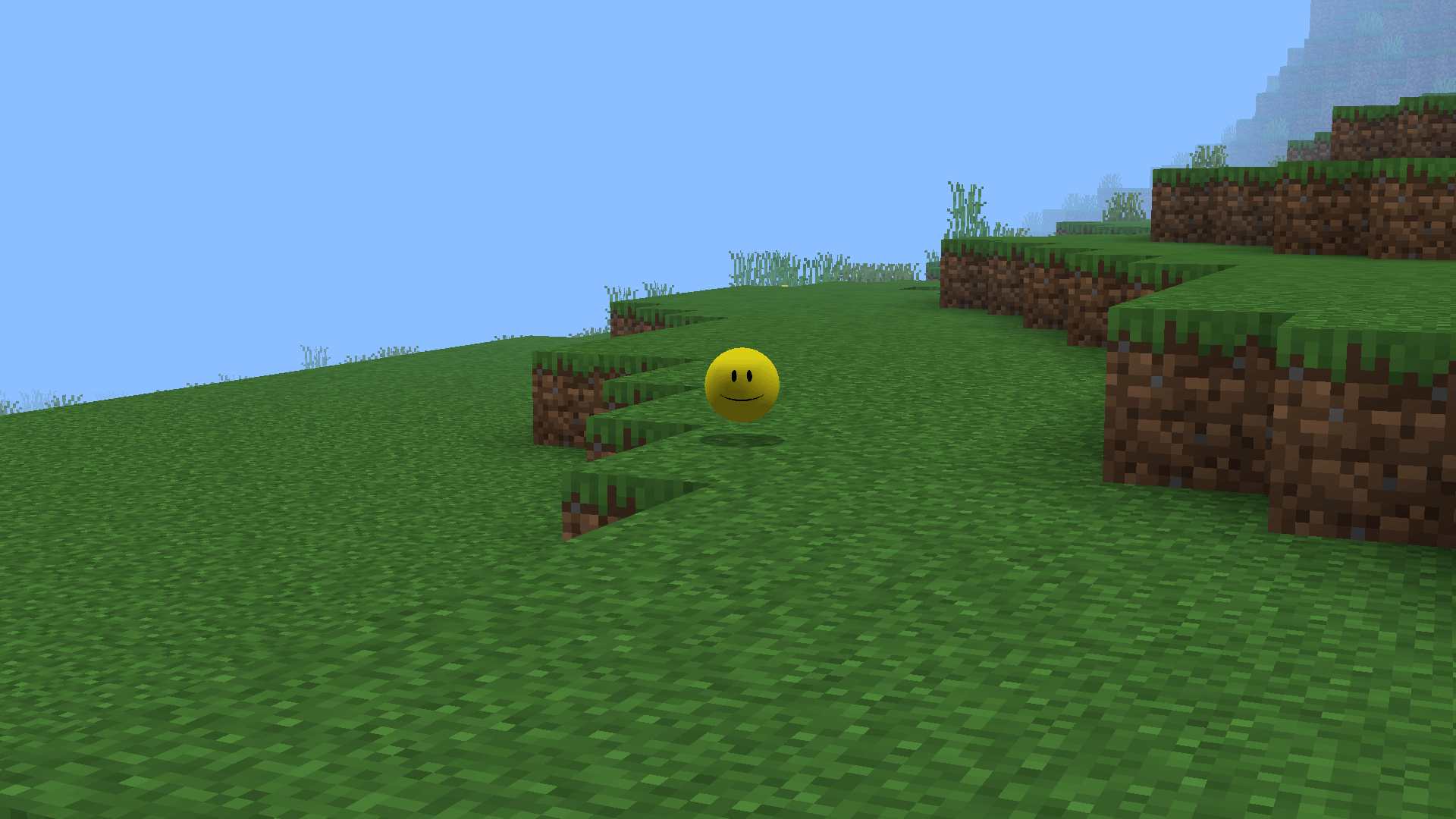
These images load from the public CurseForge project gallery. Copyright remains with the credited creators; each image links back to its source.

Frequently asked questions
Is Verity JE the same mod as Verity BE?
No. They are separate projects with different maintainers, Project IDs, formats, versions, setup steps, and support paths, even though both adapt the Verity concept.
Can I install the Java Verity mod on mobile?
Normal Minecraft mobile installations use Bedrock, not the Java Forge or NeoForge mod-loader workflow. Use the maintained Bedrock project when your device and game build are supported.
Which edition can use Ollama?
The checked Verity JE project documents local Ollama as an option. Verity BE uses its own connection workflow; do not copy the Java Ollama configuration into Bedrock.
Which Verity edition is easier to install?
Bedrock has a familiar add-on import but requires packs, experiments, cheats, and a connection step. Java requires a loader, dependencies, and Groq or Ollama. The easier route is the one that matches the edition you already own and understand.
Sources used on this page
Verity JE on CurseForge
Java identity, Project ID 1591438, Forge/NeoForge versions, AI options, files, gallery, and maintainer notices.
Checked
Verity BE on CurseForge
Bedrock identity, Project ID 1574632, current game builds, setup requirements, troubleshooting notes, and gallery.
Checked
Minecraft add-on documentation
How Bedrock add-on packs are imported and activated.
Checked